Save the date · Invitation · RSVPחתונה
Jewish wedding invitation online: from the henna to the chuppah.
A wedding invitation in 4 languages, with the Hebrew date. Each household gets its link on WhatsApp, sees only the moments it is invited to, and replies for the whole household.
Free beta · No ads · Your guests don’t need an account
Invitation designs for it
Each design is a small world: a setting, a gesture, music composed for it. Pick one, add your names, and your guests reply moment by moment.
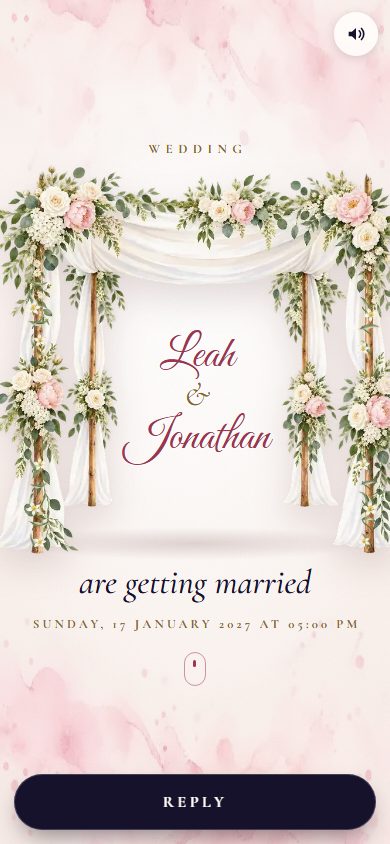
The Chuppah
The flowered chuppah rises, its canopy ripples in the wind and your names are written beneath it in ink.

The Envelope and the Seal
An envelope closed with a wax seal bearing your initials: break it, the card slides out and the flowers paint themselves.

Sparkler
At night, a sparkler writes your names; your guests’ fingers light up your photos.

Premiere
Your photos as a trailer, then the film poster; your guests reply with a clapperboard.
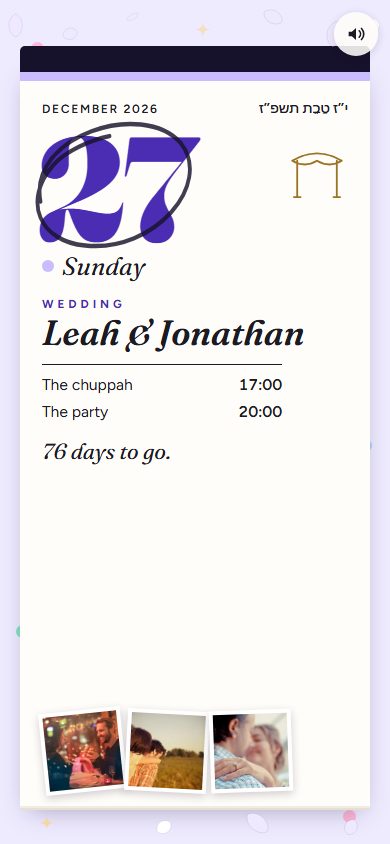
Tear-off calendar
A tear-off pad: each photo is a dated page, up to the big day circled in ink.
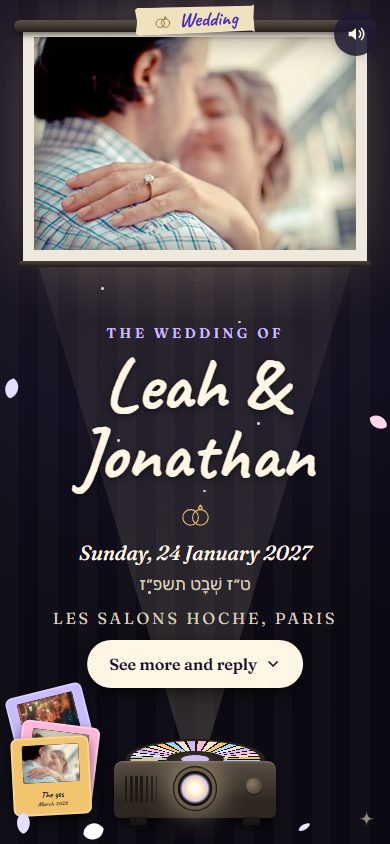
Slide night
The projector lights up: your photos arrive one by one in their mounts, captions handwritten.
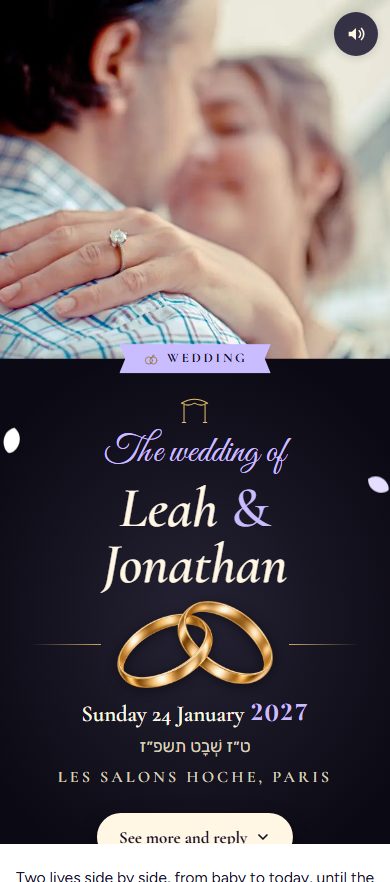
Two lives
Two lives side by side, from baby to today, until the day your paths cross.
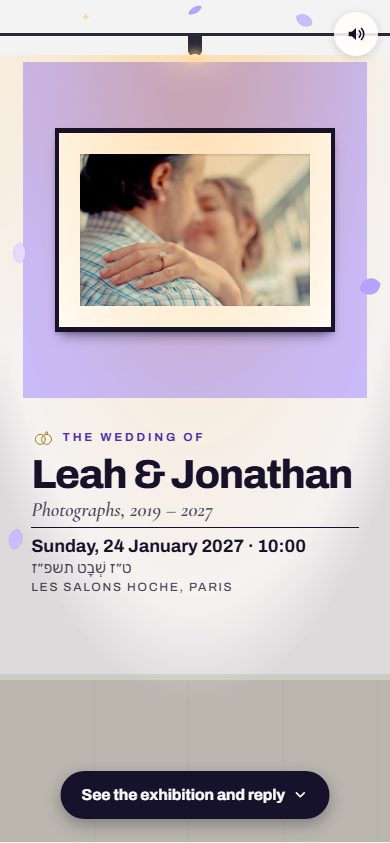
Private view
Your photos become an exhibition: the spotlights come on one by one over each work.
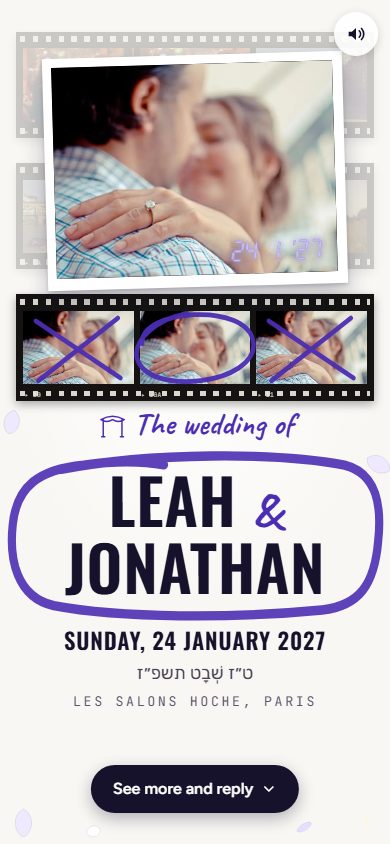
Contact sheet
The darkroom lights up: your photos develop on the sheet, the pencil circles the best one, the print lands.
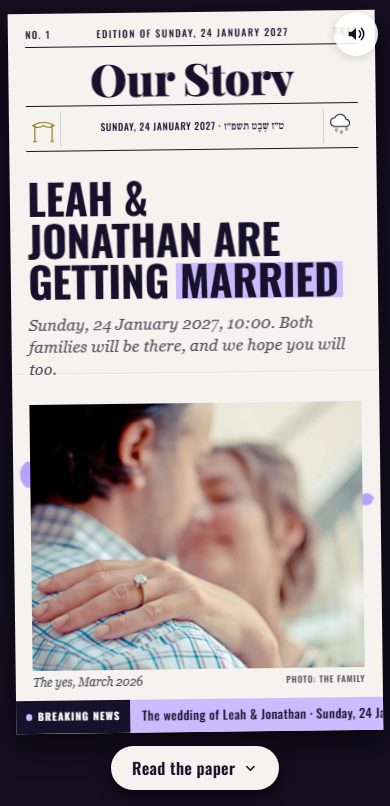
The Paper
The newspaper of your celebration goes to press: the presses roll, the headline lands, your photos turn to colour.
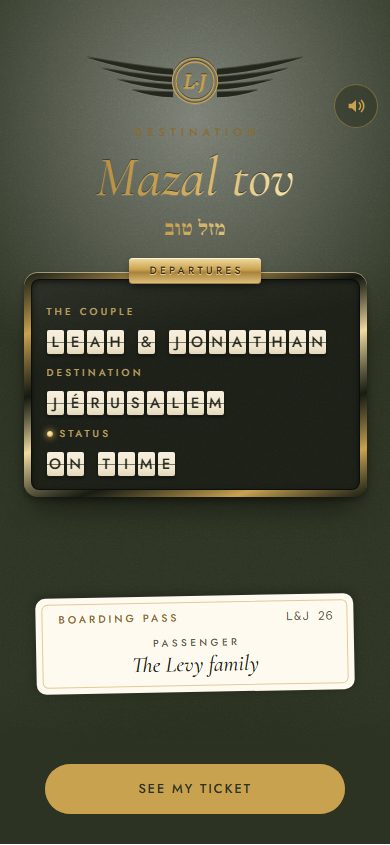
Destination Mazal tov
A boarding pass for the most beautiful journey of all: theirs.
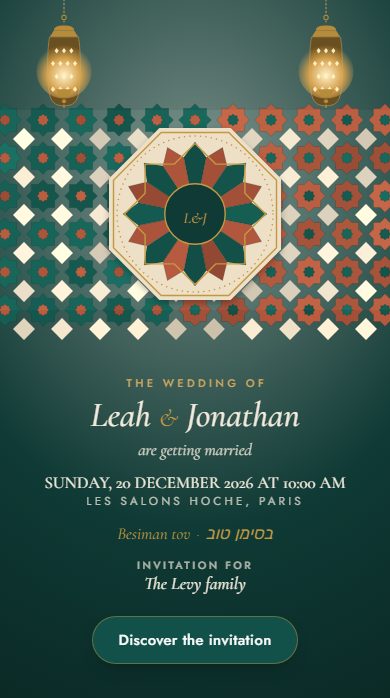
Zellige and lanterns
A riad, zellige tiles and lanterns for the wedding, the henna and the bat mitzvah.
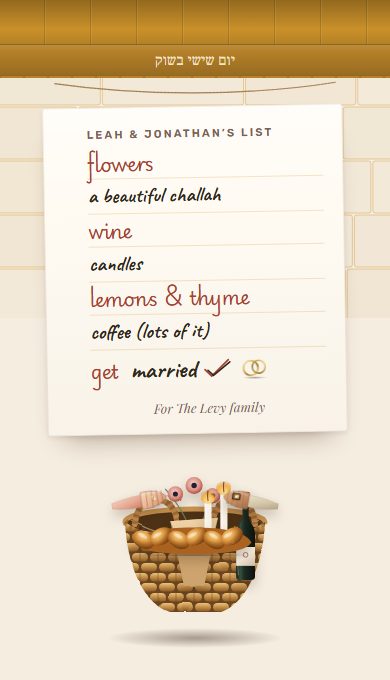
At the shouk, together
The market, the stalls, a life together that starts with shopping side by side.
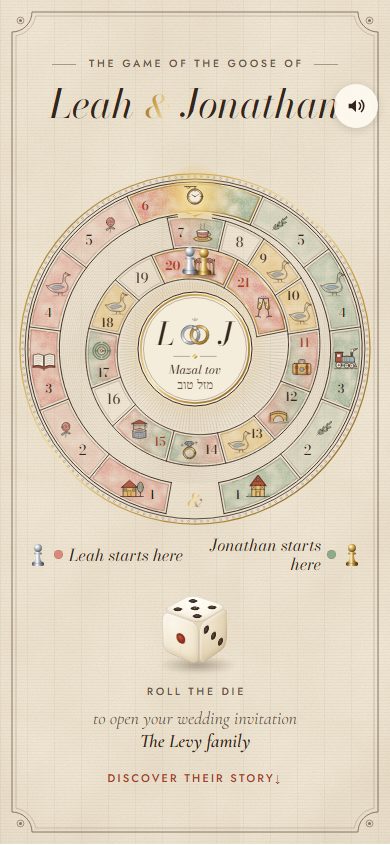
The Game of the Goose
Their story square by square, from the first glance to the chuppah.
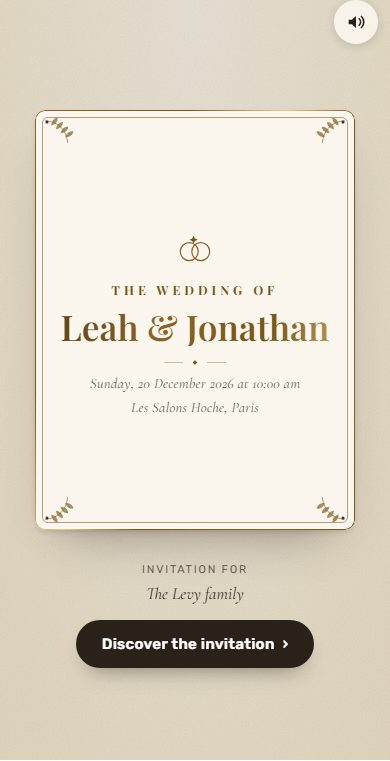
Golden leaf
An engraved invitation, the gold leaf catching the light.
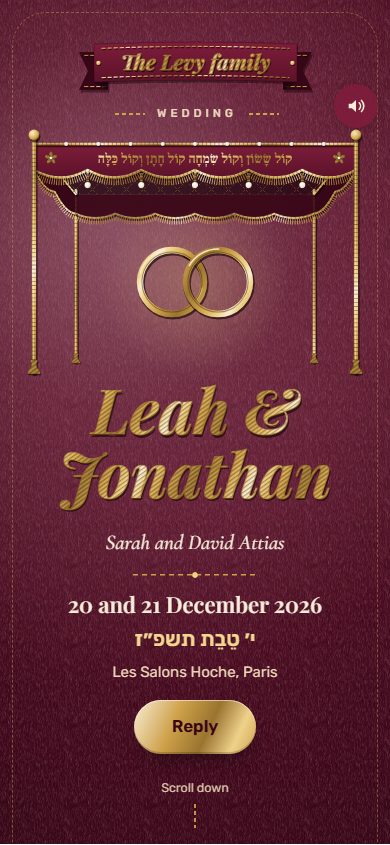
Embroidery
A thread that embroiders the name stitch by stitch on a velvet frame.
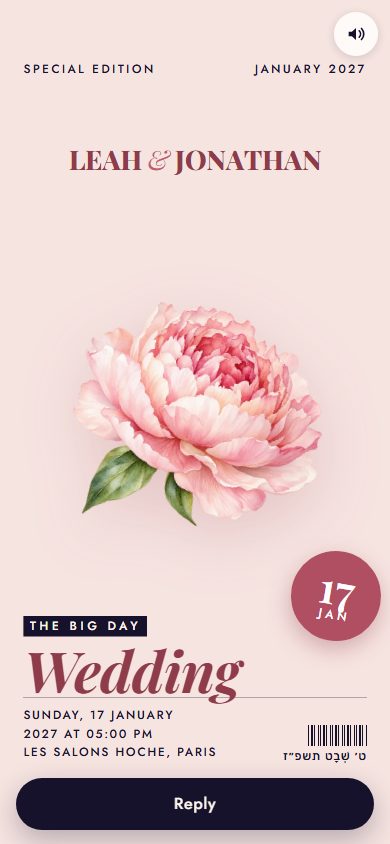
Cover Story
A magazine with your celebration on the cover: the name as the headline, a photo or a watercolour.

The Engraved Card
Thick paper cards on a coloured tablecloth: a gold monogram, the name in pen, a wreath of flowers.
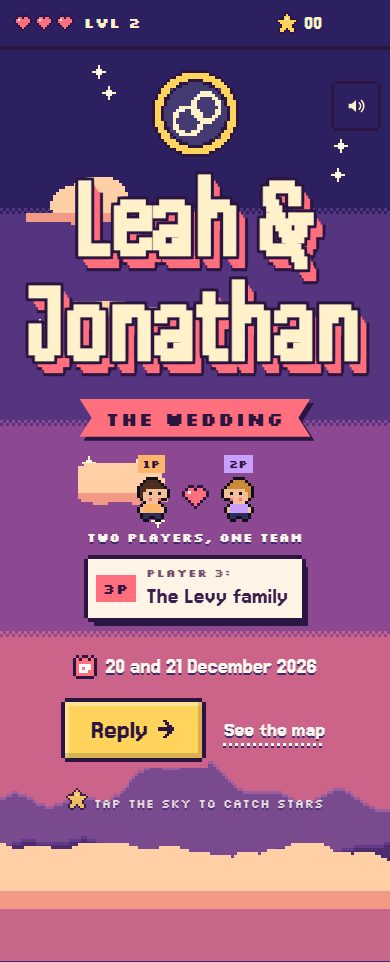
Video game
A console, a hero, levels to clear; as a couple, two players moving forward together.
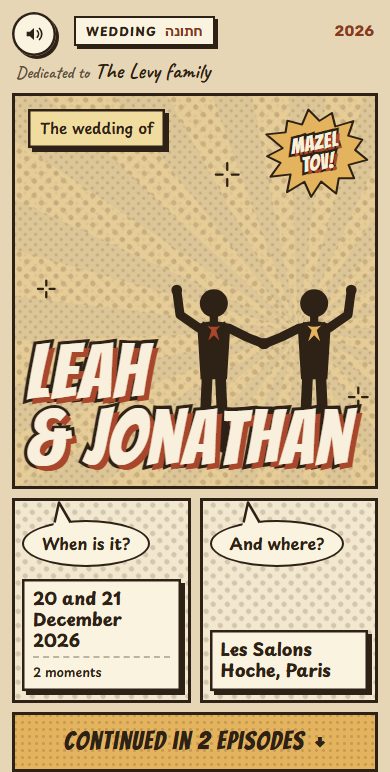
Comic strip
A comic book that draws itself, then opens: panels, sound effects, speech bubbles; as a couple, their story in strips.
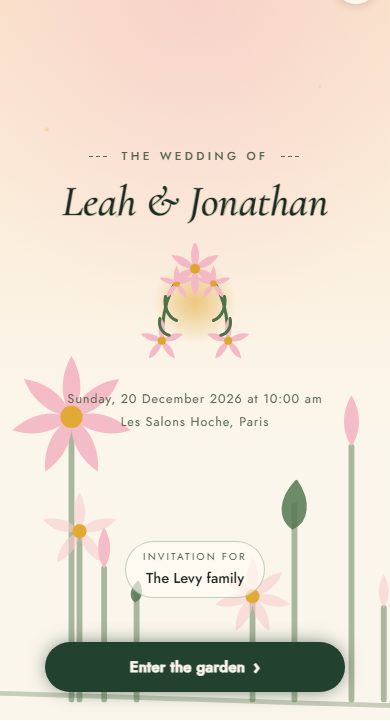
Floraison
Flowers that open as the invitation unfolds.
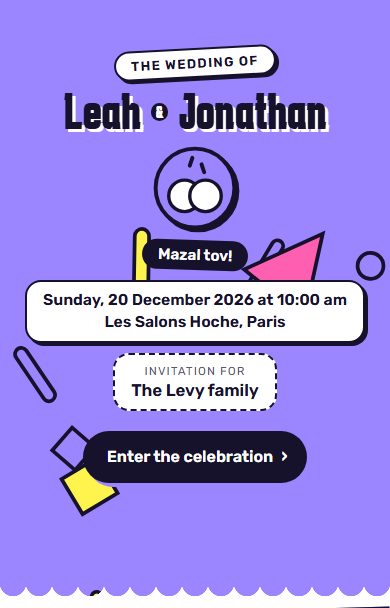
Joy
Bright colours, confetti, joy overflowing.
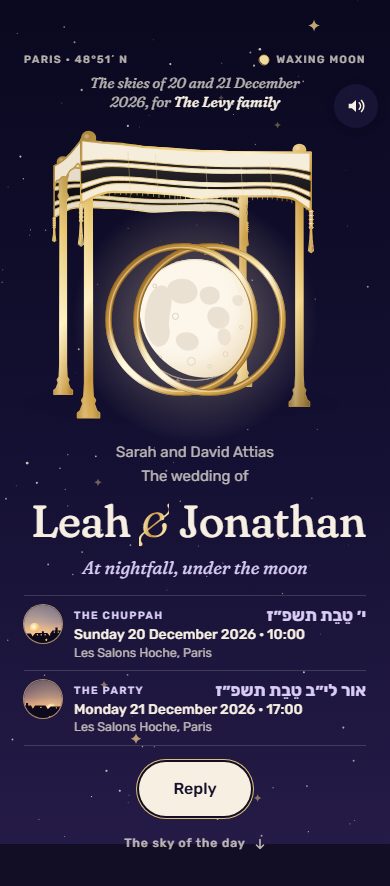
The sky of the day
The sky as it will be on the day, from morning to the stars.
Two ways to invite
One link for everyone, or a link for each family.
You choose the design first, then how you invite.
One link for everyone
A single invitation for a single event (one date, one place), to share in a WhatsApp group. No guest names on it: each guest writes their own when replying.
A link for each family
Each family gets its own personal link, with its moments, and only sees the ones it’s invited to. You see who has replied and can resend the link to anyone who hasn’t.
The seating chart
With a link for each family, the seating chart is built from the replies: each family comes with the people who are attending, and you seat it at a table.
Save the date
Start with a save-the-date
Announce the date as soon as it is set: your loved ones save it to their calendar, and the same link later becomes the full invitation.
For a wedding: 6 to 8 months before if your guests are abroad, 3 to 4 months before if they are nearby.
Several moments, one invitation
Everyone is invited to their moments.
You decide who comes to what. Pick a household to see what it receives.
Example. The moments, households and places are yours to set.
Léa & Yoni
invite you to their weddingFor: Léa’s parents
- HennaSunday, June 13, 2027 · 8 pm · At Léa’s parents’ח׳ בסיון תשפ״ז
- ChuppahTuesday, June 15, 2027 · 6:30 pm · Synagogueי׳ בסיון תשפ״ז
- ReceptionTuesday, June 15, 2027 · 8 pm · Reception hallי׳ בסיון תשפ״ז
What you get
Everything you need, simply.
Designed for Sephardic, Ashkenazi, Mizrahi and secular families.
Sent on WhatsApp, household by household
Each household gets its own link, sent from your phone. For a single event, one link for everyone can also be shared in a group.
One reply per household
Each household says how many people are coming, moment by moment. Nothing is assumed for them.
The Hebrew date, worked out for you
The Hebrew date appears on the invitation, next to the civil date.
The caterer’s questions
Dietary needs, allergies, transport: add the questions you need.
Who replied, who hasn’t
Follow the replies live, and resend the link to anyone who hasn’t answered yet.
The replies in a file
Download the list of replies for the caterer or the venue (a CSV file that opens in Excel).
Around the chuppah
The traditions, explained.
To understand every custom, and prepare it well.
Why Is a Glass Broken at the End of a Jewish Wedding?
CultureThe 7 Blessings of a Jewish Wedding: What Do They Really Say?
CultureUnder the Chuppah: The Ceremony Step by Step
GuideJewish Wedding: The 12-Month Checklist
Traditions comparedSephardic vs Ashkenazi wedding: the real differences
GuideChoosing the date of a Jewish celebration: Shabbat, Yom Tov, the Omer, the Three Weeks
LogisticsA Saturday night celebration: when does Shabbat end?
Can we invite some people to the henna only?
Yes. You create your moments (henna, chuppah, reception…) and choose, household by household, who is invited to what. Each household sees only its moments.
Do our guests need an account?
No. They open the link they got on WhatsApp and reply. That’s all.
How are the invitations sent?
From your phone, on WhatsApp: Tov prepares the message and each household’s link, you send it. Then you see who replied and who hasn’t.
Can the invitation be in Hebrew?
Yes. The invitation and the replies work in Hebrew, reading right to left, and the Hebrew date appears next to the civil date.
Can we send one link to everyone?
Yes: when you create it, choose “One link for everyone”. A single invitation for a single event (one date, one place), to share in a WhatsApp group. No guest’s name is on it: everyone writes their own when they reply, and you see the replies in “Follow up”. For several moments (henna, chuppah, reception) with different guests at each, choose “A link for each family” instead.
How much does it cost?
Nothing during the beta: you create, send and follow your invitations without paying, and with no ads.
Other celebrations
An invitation for every simcha.
Your wedding invitation starts here.
Free beta, no credit card.
Create my wedding invitation