Birthday invitationיום הולדת
A milestone birthday, everyone gets their own invitation.
A birthday invitation in 4 languages, with the Hebrew date. Each household gets its link on WhatsApp, sees only the moments it is invited to, and replies for the whole household.
Free beta · No ads · Your guests don’t need an account
Invitation designs for it
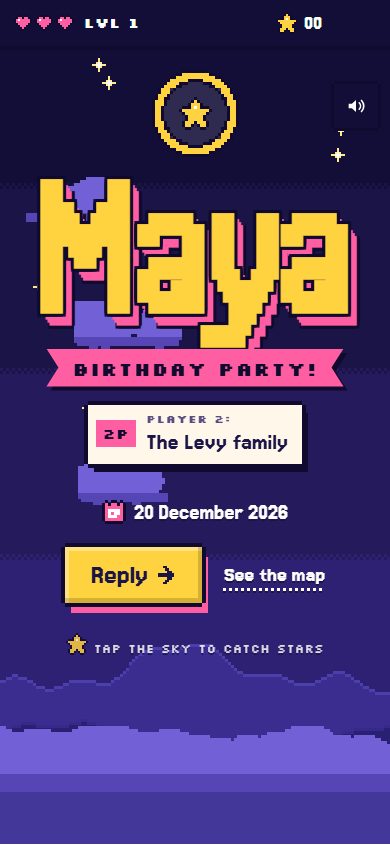
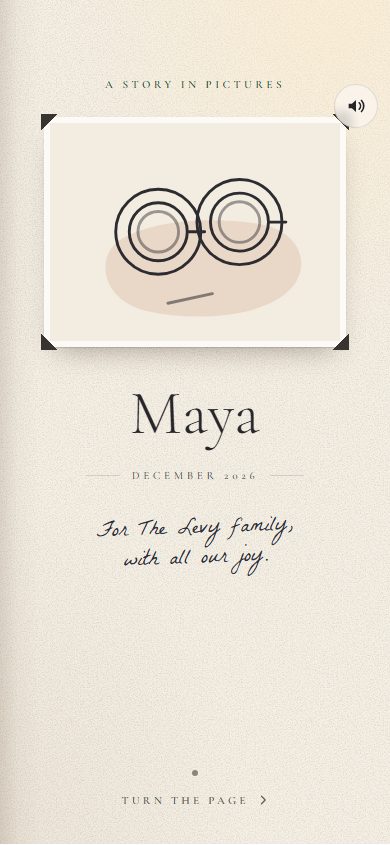
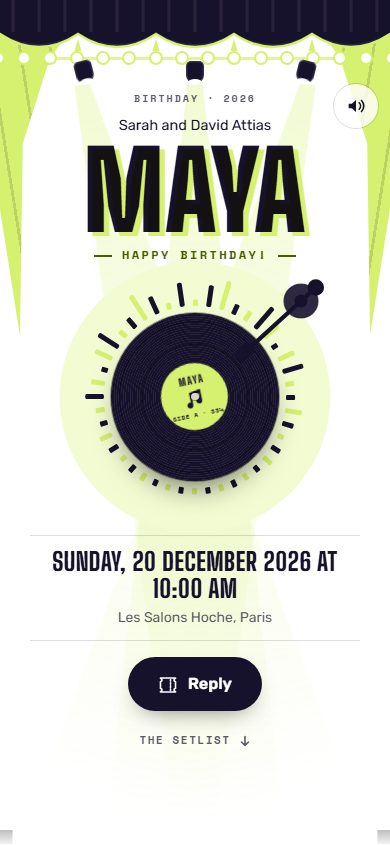
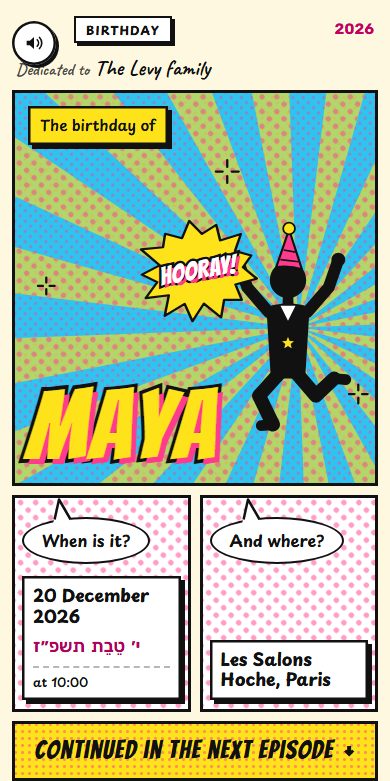
Each design is a small world: a setting, a gesture, music composed for it. Pick one, add your names, and your guests reply moment by moment.
Our story
Your photos, as a slideshow, a wall or a stack: your story in pictures.
Video game
A console, a hero, levels to clear; as a couple, two players moving forward together.
The tour
A concert: the curtain opens, the record spins, the setlist and backstage pass.
Comic strip
A comic book that draws itself, then opens: panels, sound effects, speech bubbles; as a couple, their story in strips.
Joy
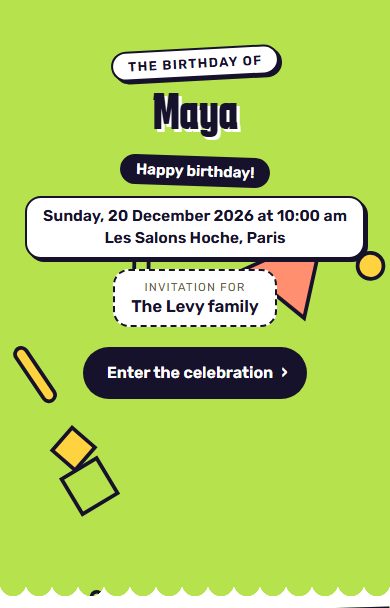
Bright colours, confetti, joy overflowing.
Several moments, one invitation
Everyone is invited to their moments.
You decide who comes to what. Pick a household to see what it receives.
Example. The moments, households and places are yours to set.
Myriam
her children invite you to celebrate her 60thFor: Esther and family
- Family lunchSunday, June 20, 2027 · 12:30 pm · At her daughter Déborah’sט״ו בסיון תשפ״ז
- The partySunday, June 20, 2027 · 7:30 pm · Reception hallט״ו בסיון תשפ״ז
What you get
Everything you need, simply.
Designed with Sephardi, Ashkenazi, Mizrahi and secular families.
Sent on WhatsApp, household by household
Each household gets its own link, sent from your phone. No group, no broadcast list.
One reply per household
Each household says how many people are coming, moment by moment. Nothing is assumed for them.
The Hebrew date, worked out for you
The Hebrew date appears on the invitation, next to the civil date.
The caterer’s questions
Dietary needs, allergies, transport: add the questions you need.
Who replied, who hasn’t
Follow the replies live, and resend the link to anyone who hasn’t answered yet.
The replies in a file
Download the list of replies for the caterer or the venue (a CSV file that opens in Excel).
To prepare the party
The traditions, explained.
To understand every custom, and prepare it well.
Can we plan a surprise party?
Yes. Each household gets its own link, sent by you from your phone: the person being celebrated receives nothing unless you send it to them. Remind your guests about the surprise in your message.
Can we invite some households to the lunch only?
Yes. You create your moments (family lunch, party…) and choose, household by household, who is invited to what. Each household sees only its moments and says how many people are coming.
Can we ask everyone for a song?
Yes. Among the ready-made questions: diet, allergies, transport, and the song that will get each household dancing. The answers download as a CSV file, for you or for the DJ.
Can the Hebrew date be on the invitation?
Yes. Many families like to mark the Hebrew birthday: Tov shows the Hebrew date of the party next to the civil date, and the invitation can be in Hebrew.
How much does it cost?
Nothing during the beta: you create, send and follow your invitations without paying, and with no ads.
Other celebrations
An invitation for every simcha.
Your birthday invitation starts here.
Free beta, no credit card.
Create my birthday invitation